“It made that noise again.”
Keep the sound and vibration from a recording session, with notes about what was happening.
 FieldTrace
Coming soon for iPhone
Record an unfamiliar rattle or jolt, keep the context and compare your next test with the last.
A record you can return to, with the moment and its context together.
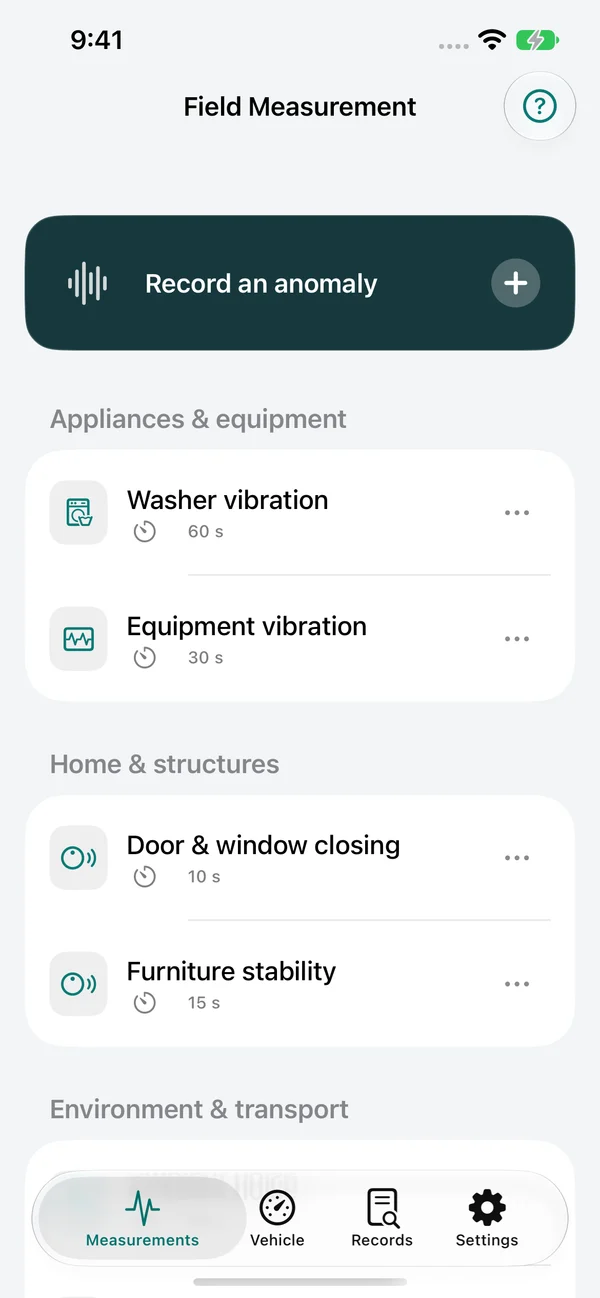
Keep the context
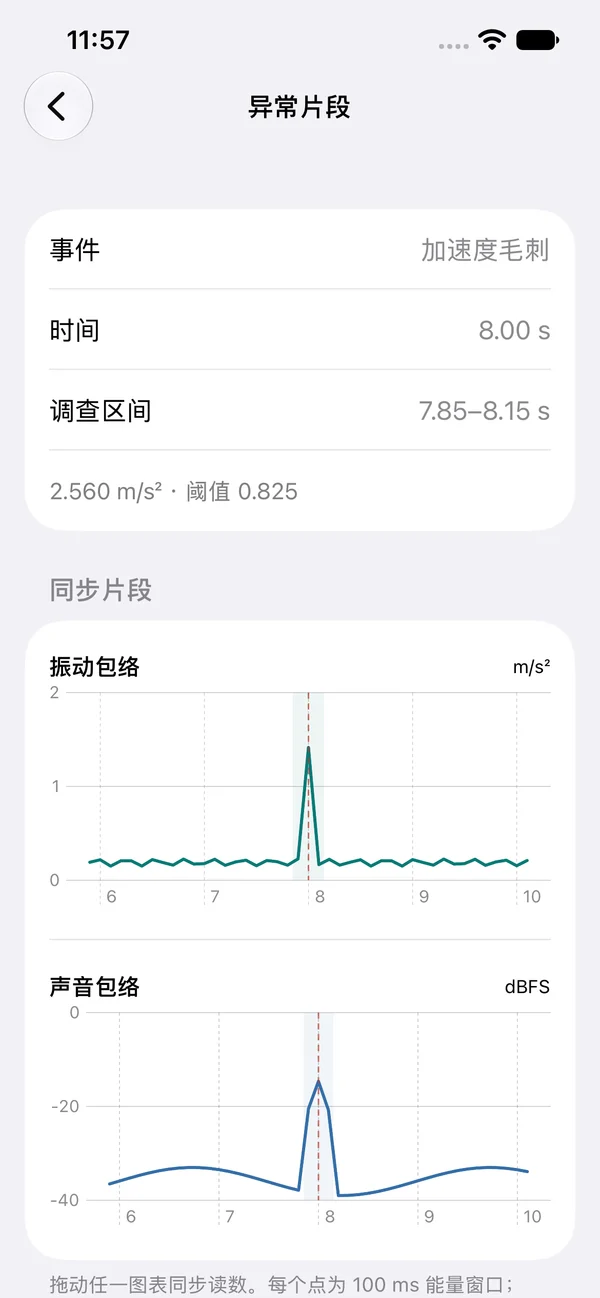
Find the moment
Keep the sound and vibration from a recording session, with notes about what was happening.
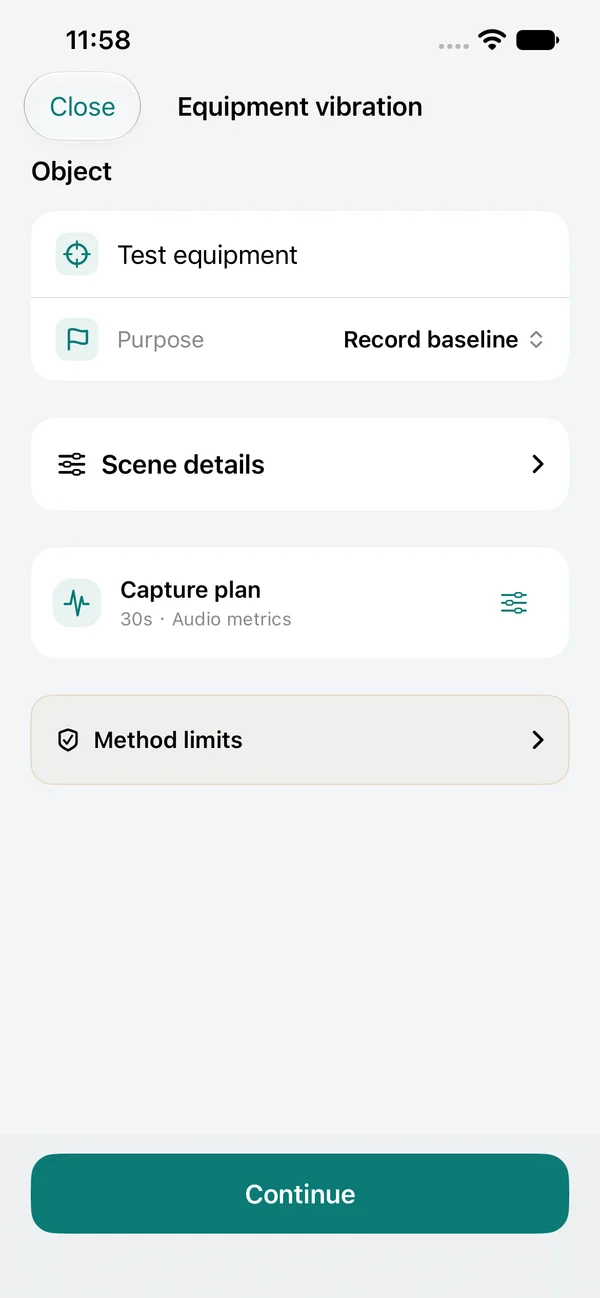
Repeat the test with matching conditions, then review the difference together.
Jump from a detected candidate event to its surrounding timeline instead of searching the whole session.
Choose a scenario, note the object and its conditions, secure the phone and start recording before reproducing the issue.
Add a marker while recording. Later, inspect candidate events, surrounding sound and vibration, and your on-site notes.
Repeat with the same setup. Compare the records and share a PDF or CSV when someone else needs the details.
A peak alone rarely tells the whole story. Inspect what happened before and after it, with sound, vibration and your own observations on one timeline.
Start the next test from a saved record. Keep the placement and conditions consistent so a different setup does not look like a better result.
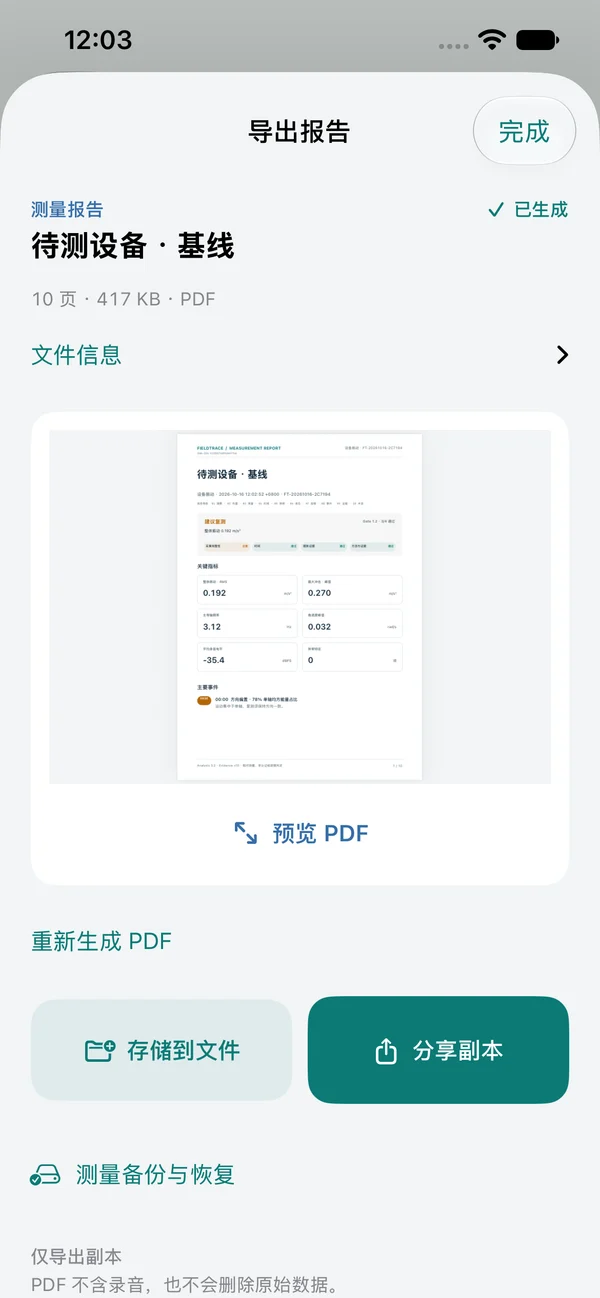
Share a readable PDF with the record and its context, export CSV for further analysis, or keep a portable backup for another device.
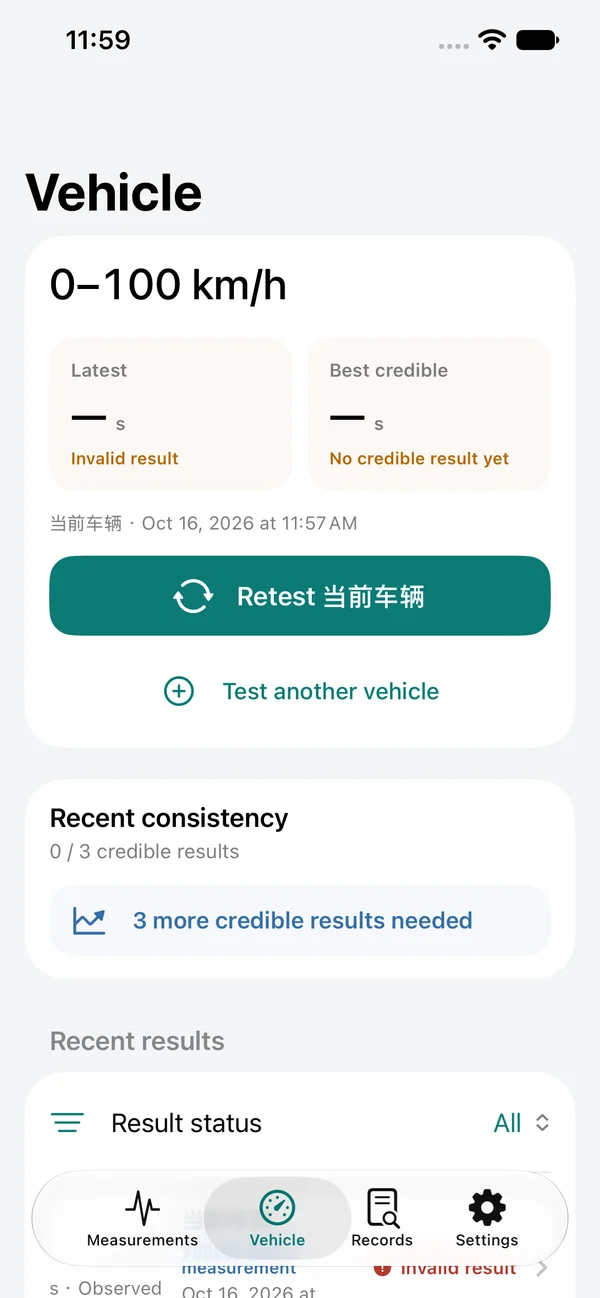
Prepare the run, wait for readiness and review whether the result has enough evidence. Keep incomplete runs visible and pair a result with an external reference when needed.
For controlled, legal test environments. Phone-only timing is a reference, not certified timing; real-vehicle accuracy validation is still pending.
No account is required for local recording and review. Saved measurements stay on the device until you choose to export or share them. Raw audio is saved only when you enable it.
It helps document and investigate a change. Event candidates and comparisons are clues to review, not automatic fault diagnoses or equipment safety certification.
No. Start a recording session before reproducing the issue. Keep the app in the foreground and the phone securely mounted.
Microphone levels are recorded as dBFS. Without an appropriate calibrated measurement chain, they are not environmental dB SPL values.
The app, reports and this website support English, Simplified Chinese, Traditional Chinese, Japanese and Korean.
FieldTrace is preparing for its first App Store release. Pricing and availability have not been announced. Follow the release note for updates.
Coming soon for iPhone
FieldTrace is coming to iPhone. Explore what it does while we prepare the first release.
Follow the release